Place Photo Guides
Response Fields
| Field | Description |
|---|---|
| fsq_photo_id | A unique identifier for this photo. |
| created_at | The date and time when this photo was created. |
| prefix | Beginning of the URL for this photo. |
| suffix | Ending of the URL for this photo. |
| width | Maximum width of the photo, in pixels. |
| height | Maximum height of the photo, in pixels. |
Sample JSON Response
"photos": [
{
  "fsq_photo_id":"5183232a498ea9477d575e31",
  "created_at":"2013-05-03T02:38:34.000Z",
  "prefix":"https://fastly.4sqi.net/img/general/",
  "suffix":"/1049719_PiLE0Meoa27AkuLvSaNwcvswnmYRa0vxLQkOrpgMlwk.jpg",
  "width":1920,
  "height":1440,
}
]
Assembling a Photo URL
By returning photo URL components in our JSON response, we're giving developers the flexibility to resize photos on the fly. We fully expect this feature to help reduce your application's overall data load and help you fit photos into pre-sized content boxes with ease.
There are a few ways to assemble a photo URL:
To obtain the original size of the photo, combine
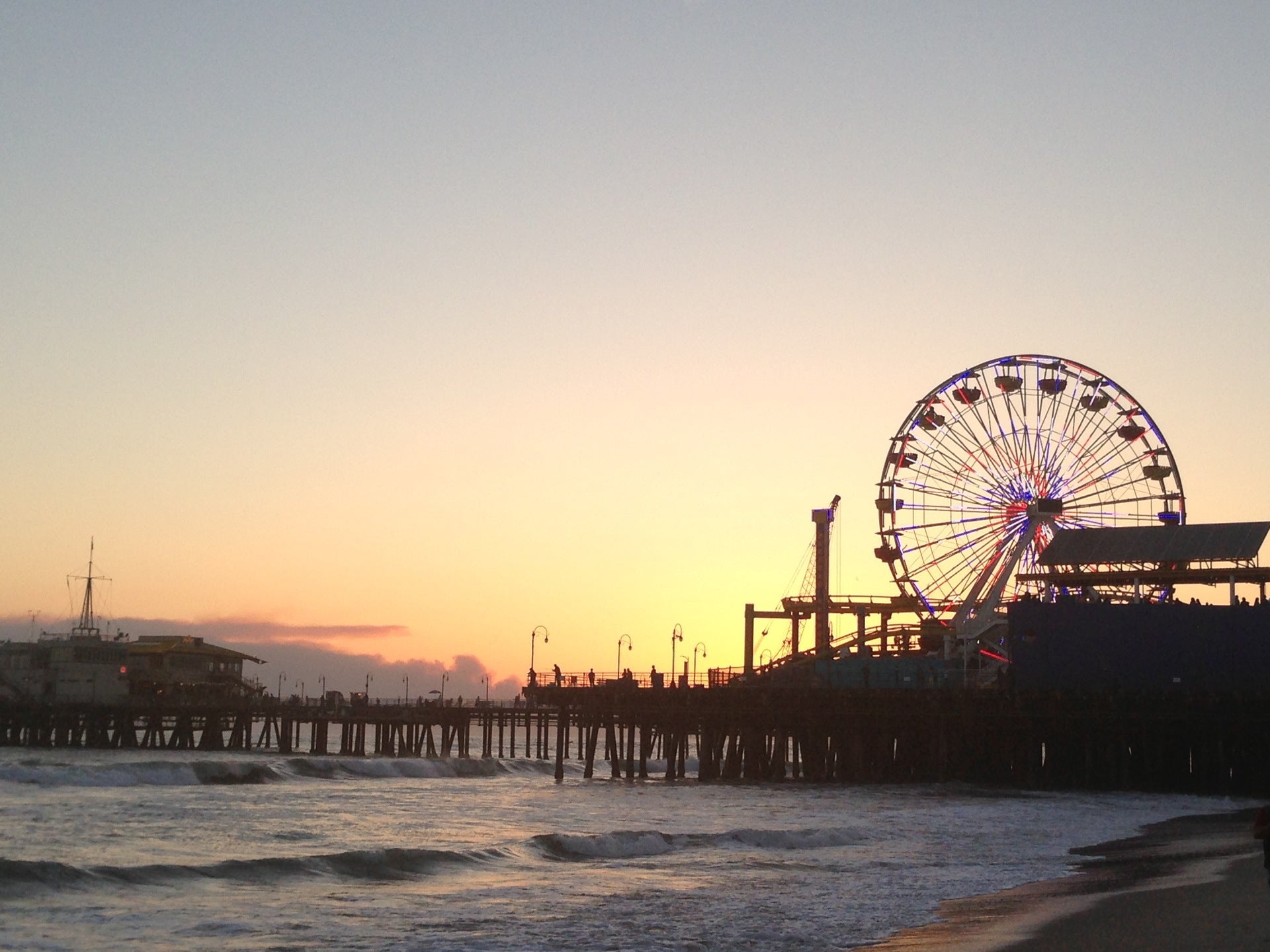
prefix+ original +suffix: https://fastly.4sqi.net/img/general/original/1049719_PiLE0Meoa27AkuLvSaNwcvswnmYRa0vxLQkOrpgMlwk.jpgTo scale down this photo, 1) determine the size you want, paying close attention to not exceed the maximum
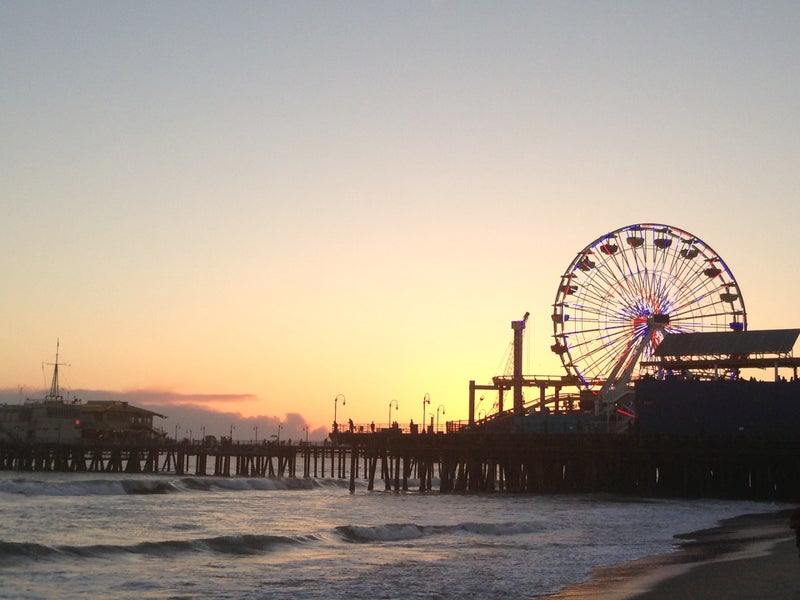
widthandheight. 2) using your desired width (800px) & height (600px), convert this to asize(width x height) and combineprefix+size+suffix: https://fastly.4sqi.net/img/general/800x600/1049719_PiLE0Meoa27AkuLvSaNwcvswnmYRa0vxLQkOrpgMlwk.jpgTo crop this photo, determine the size you would like (ie. 400x400) and combine
prefix+size+suffix: https://fastly.4sqi.net/img/general/200x200/1049719_PiLE0Meoa27AkuLvSaNwcvswnmYRa0vxLQkOrpgMlwk.jpg
Category Icons
Icons for categories may be returned in the categories response field and are structured in a similar prefix + size + suffix format. All icons are square images.
Sample Category JSON
{
  "fsq_category_id":"4bf58dd8d48988d182941735",
  "name":"Amusement Park",
  "icon":{
    "prefix":"https://ss3.4sqi.net/img/categories_v2/arts_entertainment/themepark_",
    "suffix":").png"
  }
}
To obtain an icon, the only acceptable size values are one of: 32, 44, 64, 88, or 120 (pixels).
For example, the Amusement Park icon url is: https://ss3.4sqi.net/img/categories_v2/arts_entertainment/themepark_120.png

Additionally, a background can be added to any icon by adding bg_ to the URL (i.e. https://ss3.4sqi.net/img/categories_v2/arts_entertainment/themepark_bg_120.png)
